
What would cause a battery or battery pack not to take a charge?
- Zero voltage battery or zero voltage battery in the battery pack;
Lithium ion battery like polymer or 18650 li ion. They are very sensitive on low voltage. Normally, the battery or battery pack come with BMS, it has the function prevent over discharge. However, the bms circuit could be damaged for some reason. And battery cell fully discharged to 0. In this situation. The battery cell could be damaged permanently.
- Battery pack connection error, internal electronic components, protection circuit abnormal;
- Charging equipment failure, no output current;
- External factors cause charging efficiency to be too low (e.g. very low or very high temperature).
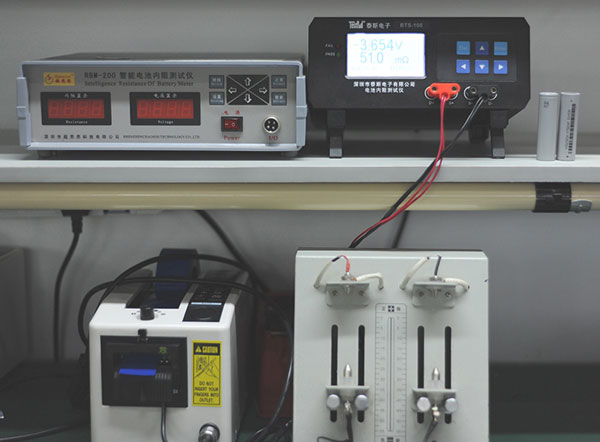
What to do when the battery pack does not charge
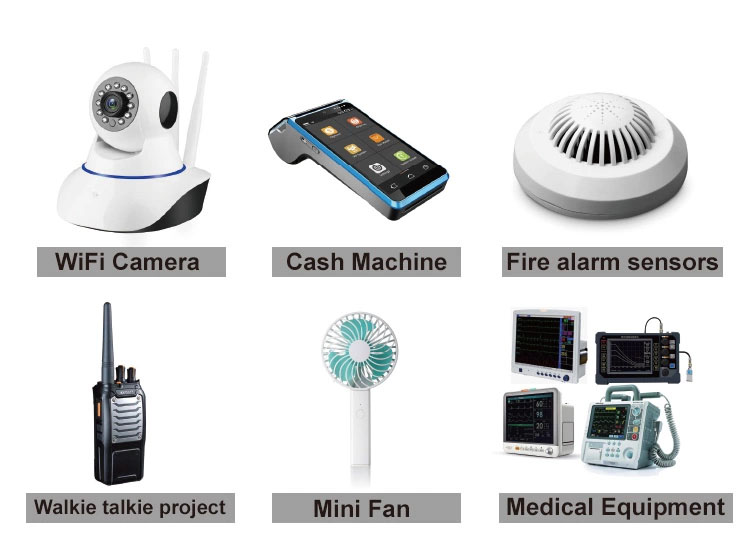
Step 1. Check the connections.
It may seem improbable, but the stability of any power connection is limited by its weakest link. Check the contacts and terminals for dirt, oils, corrosion, excessive wear or anything that can hamper a good, stable connection. This includes the battery contacts with application, in the charger, and on the battery itself.
Step 2. Reseat the battery in the devices.
It seems unlikely, but it happens. Some application require a tight fit with the battery and may seem attached when they are not fully locked in place. Make sure the battery is seated properly and the battery pack locks firmly in place when attaching it.
Step 3. Verify you are using the correct battery charger.
Using the wrong charger can not only prevent your battery from charging properly, it could damage your equipment. It can also be potentially dangerous.
Step 4. Check to be sure the charger is plugged in and turned on.
Sound silly, doesn’t it? Well, it isn’t really, because it does happen. It’s one of the easiest mistakes to make when charging a fleet of batteries and one of the simplest to resolve.
Step 5. Reseat the battery in the charger.
Battery seems like it’s connected to the charger when it’s not making contact at all. If it is a drop-in or desktop charger with a pocket or tray, the radio and/or battery may be able to sit in the tray without actually touching the contacts. If it is a plug-in type of charger, the plug may not be fully inserted. Be sure the radio/battery is properly seated or fully connected and the charging indicator light is on.
Step 6. Charge another battery of the same make and model in the charger.
Determine if the issue is really with the battery pack.
Step 7. Swap out the charger.
Sometimes a dead battery is the result of a dead charger.
Step 8. Charge the battery again.
Just to be sure, give it another chance.
Every battery has a limited life span determined by a number of different factors, including but not limited to how and where it is used, how much it is used and under what conditions. There is no set time table before a battery “kicks the bucket”. If your battery has reached its End of Life, it’s time to purchase a new one.



Leave A Comment
You must be logged in to post a comment.